

Introduction
In some cases, a Mailing List needs to accept emails from external or Non-Member senders, such as customers, vendors, monitoring systems, or automated notifications.
By default, many Mailing List systems reject emails from senders who are not registered as members. This article explains how to allow non-member senders to post emails to a mailing list safely.
Solution
To allow external or non-member senders, the Mailing List configuration in cPanel Mailman must be modified by changing the sender filtering settings. You can follow these steps to do it.
Step by Step
- Login to cPanel Dashboard
- Search Mailinglist menu, choose from list, then click “Manage”.
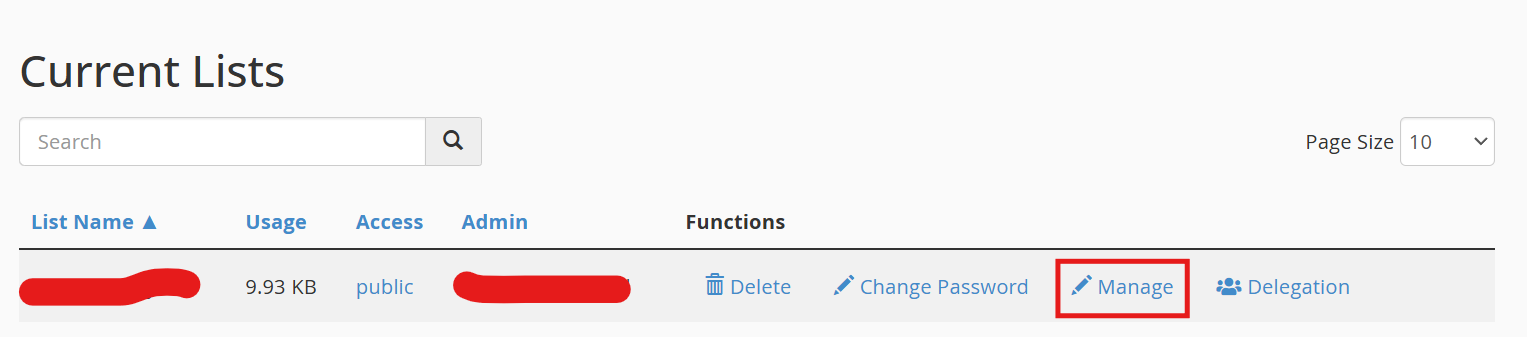
- Navigate to Privacy Option > Sender Filters
- Go to the “Non-member filters” section, then under “Action to take for postings from non-members for which no explicit action is defined,” select “Accept”

- Submit your change
- Done